What’s new
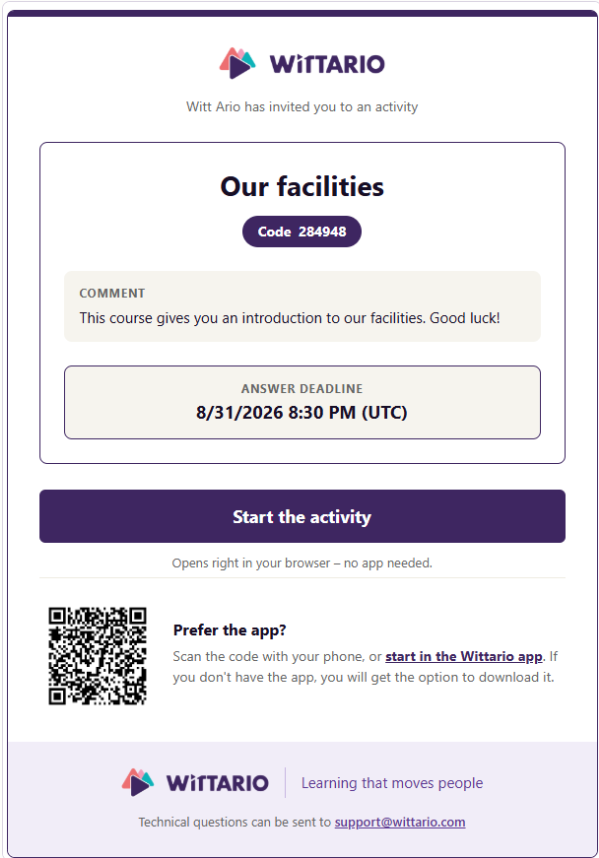
When you invite someone to an activity via email, the invitation now displays your branding—logo and color theme—right from the very first message they see.
Where the branding comes from
If the activity has its own branding, that is what is displayed. If it doesn't, but the activity was initiated by an organization, the organization's branding is used instead. If neither has specific branding, the invitation uses Wittario’s color theme and the organization's name.
No setup required
This utilizes the branding you already have in place; there is nothing new to configure. You can add or change the logo and colors via the branding settings for your activity or organization.