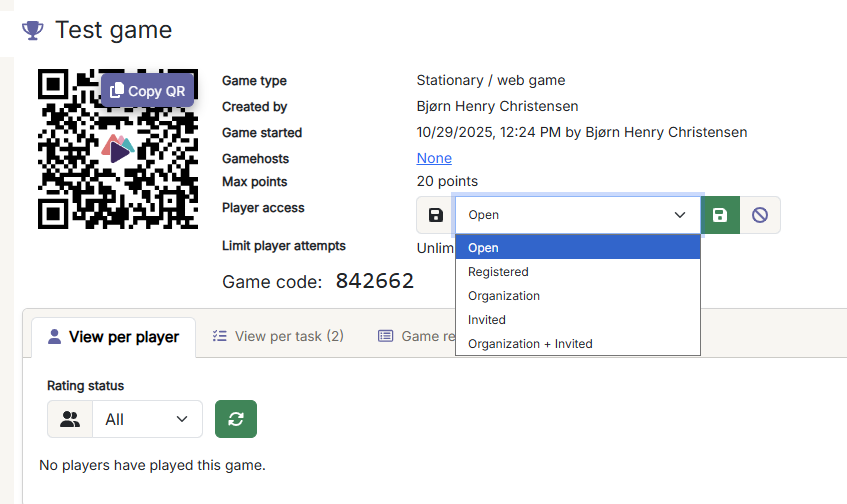
This is done when starting a game. Then, in addition to being open to everyone (default), you can also set access to the game only for registered, members of the organization, invited, organization+invited.
If you choose REGISTERED, everyone who is registered or who can register with a Wittario user will be able to access the game. This way, you can ensure documentation of which external workers are carrying out, for example, HSE games.
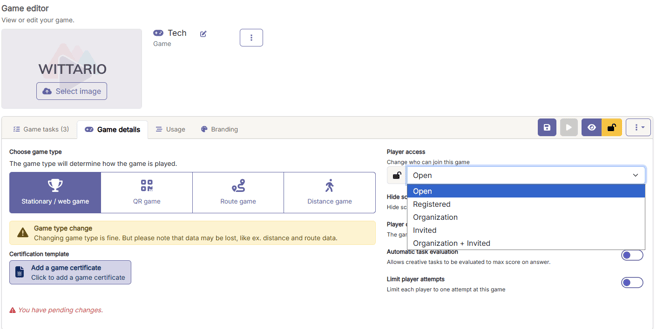
The setting for who has access to a game can also be changed before starting a game, on the "Game Details" tab. This way you don't have to remember it when you start the game:
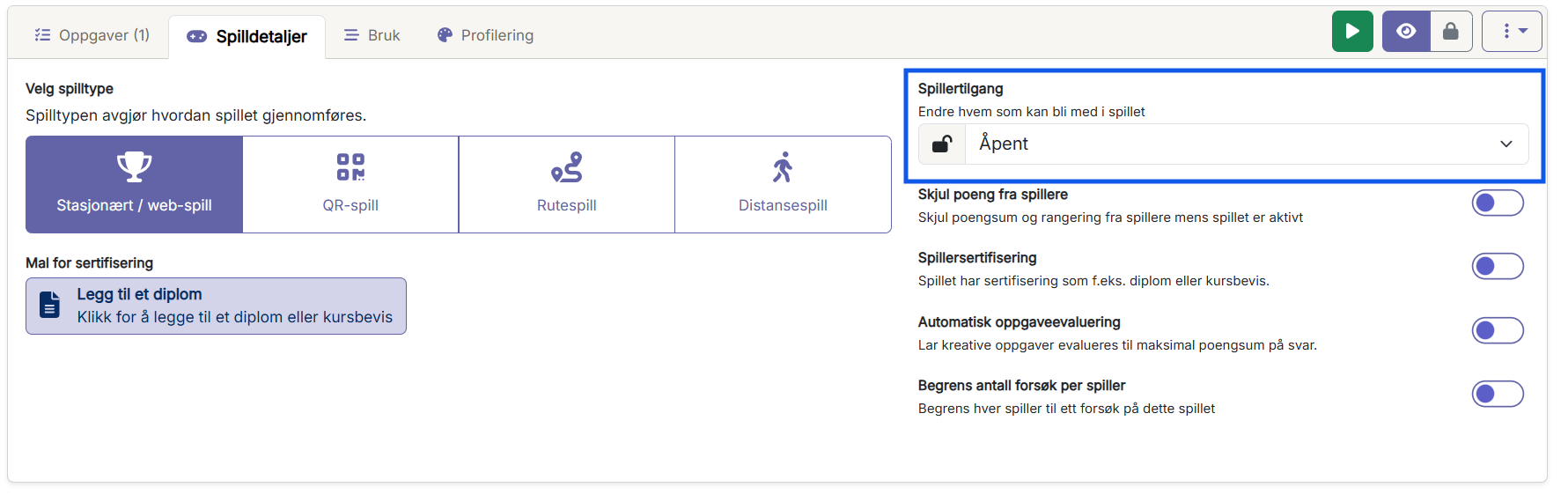
But it can also be changed on an already active game: