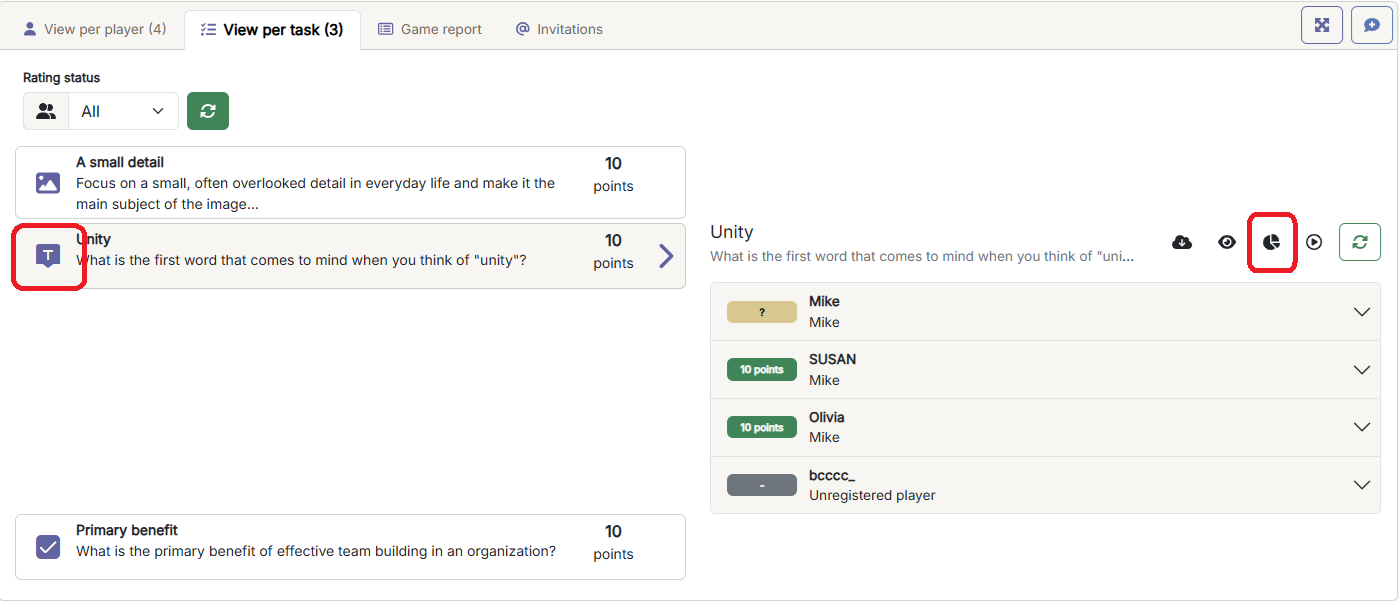
In an active or closed game, go to the 'Question View' tab, click on a free text question, and click on the icon that shows diagrams (visible above the answers for the question).
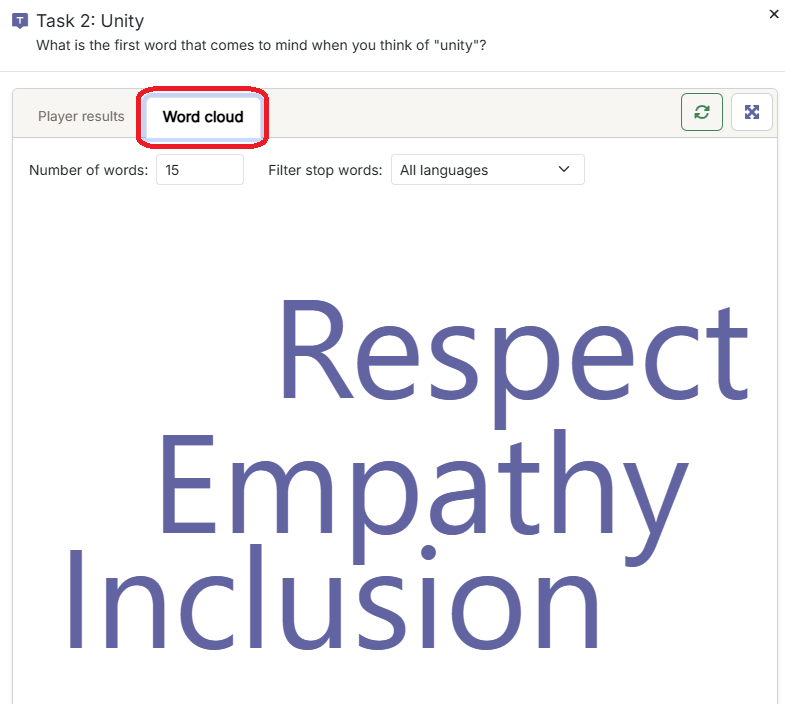
This will open a dialog box where you will see a 'Word Cloud' tab.
For a word cloud, you can choose how many words to display, as well as which language to use stopwords from.
Stopwords remove common words from the word cloud to highlight the important words. You can also choose not to filter stopwords by selecting 'None'.