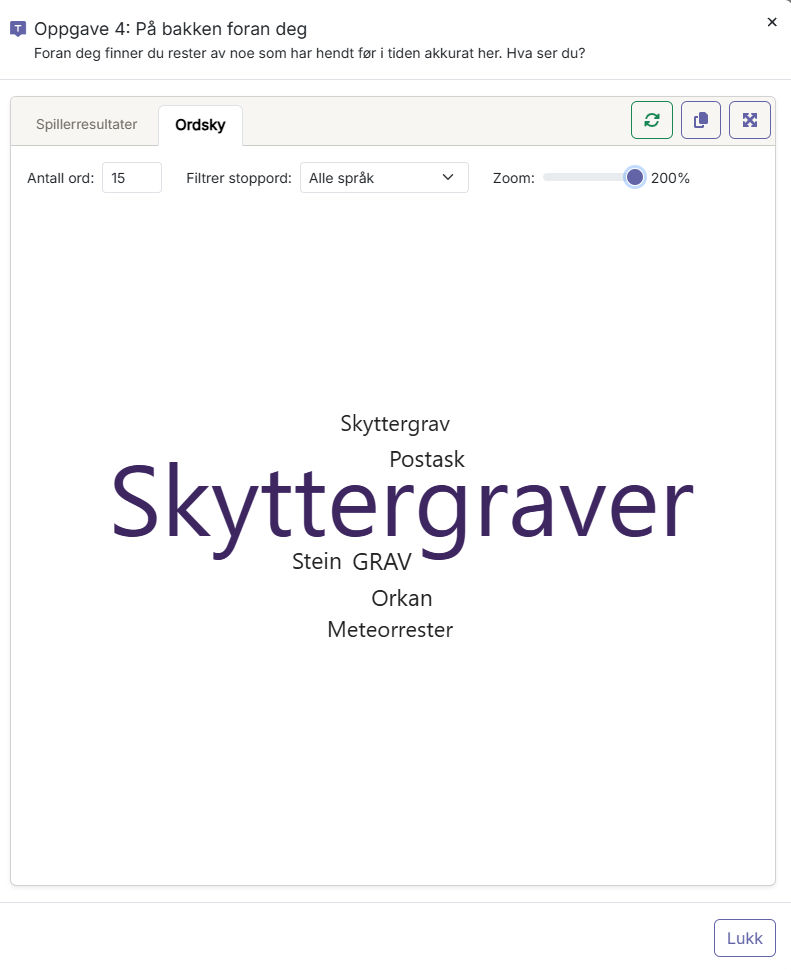
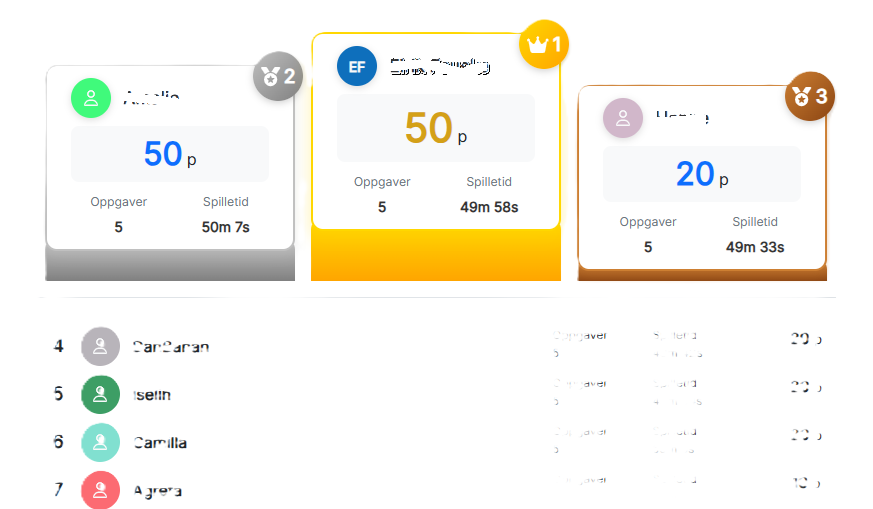
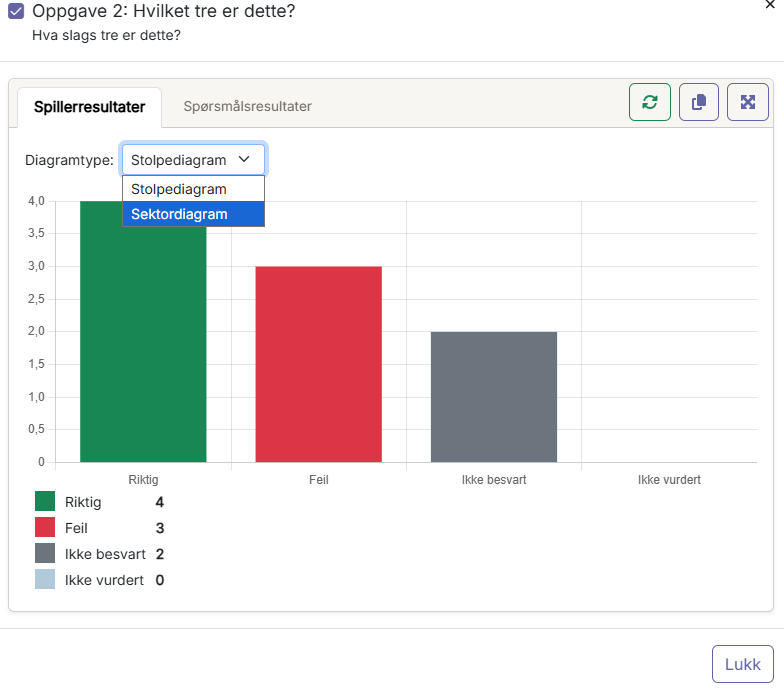
In activities that have been started, one can see the players' free-text responses as a word cloud, multiple-choice tasks as charts, and the results as separate leaderboards.
To see the leaderboard for an activity, click on "leaderboard" in the left vertical menu.
For word clouds and charts, go to "games" in the left vertical menu.
Find the game and go to "task view" in the horizontal menu.
In task view, one can go to multiple-choice tasks and see the players' responses in various visual charts.
In free-text tasks, one can see the players' responses as a word cloud, where the most frequent words are enlarged.